










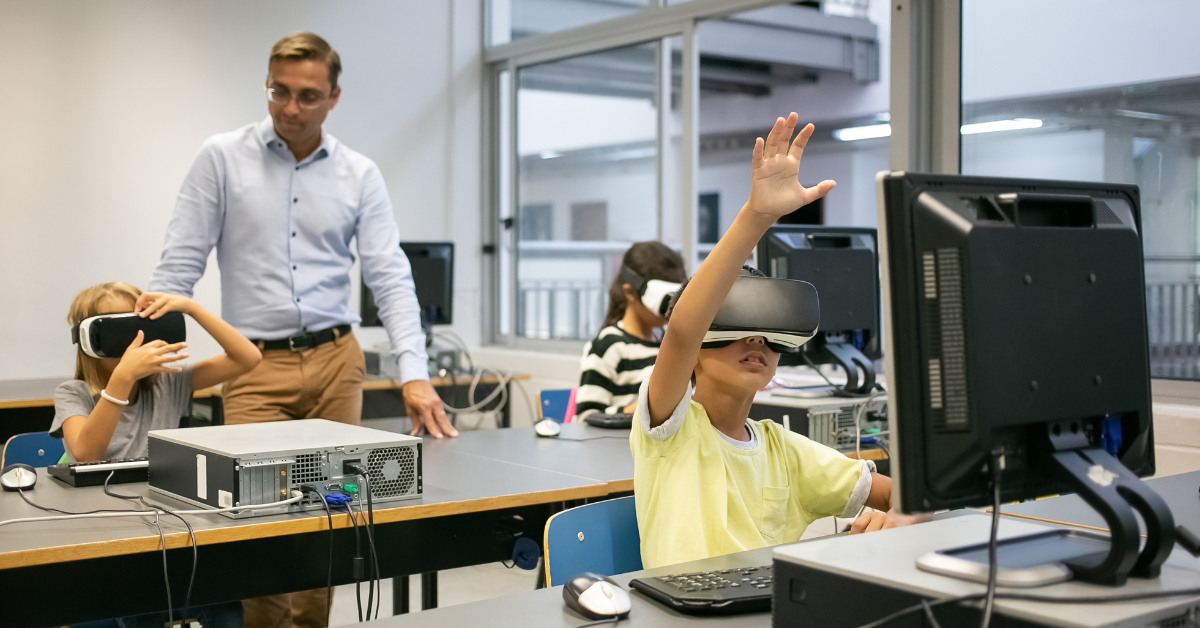
As generative artificial intelligence becomes more visible in everyday life, educators face a pressing question: how can these powerful tools be used meaningfully in classrooms without surrendering pedagogy to technology? Playlab AI offers a compelling answer. Designed as a nonprofit platform for educators and students, Playlab allows users to create, remix, and share custom AI-powered chatbots and applications tailored specifically to educational goals.
Rather than relying on prebuilt tools that often reflect generic use cases, Playlab places creative control in the hands of teachers and learners. It supports the use of roughly 20 different AI models — including Claude, GPT, Gemini, and Llama — within a single environment where responses can be grounded in course materials, structured inputs can guide interactions, and collaborative workspaces encourage iterative improvement.
Within the first moments of using the platform, it becomes clear that Playlab is not simply an AI tool; it is a design space for educational experimentation. Teachers can build AI tools aligned with lessons. Students can explore how AI behaves, compare model outputs, and develop AI literacy alongside subject knowledge. The result is a learning ecosystem where artificial intelligence is shaped by educational intent rather than the other way around.
Reversing the EdTech Model
Most educational technology asks teachers to adapt their instruction to fit within software constraints. Playlab reverses this dynamic. The platform is built around the idea that AI should conform to instructional needs.
Educators can design chatbots that serve as writing coaches, Socratic discussion partners, quiz generators, revision guides, or personalized tutors. These tools are not static templates. They are configurable applications where teachers decide how the AI behaves, what sources it relies on, and how structured inputs shape student interaction.
A defining capability is the ability to ground AI responses in course materials. Teachers can attach curriculum documents, reading materials, or guidelines so that AI output is informed by trusted sources rather than general internet knowledge. This reduces hallucinations and keeps interactions aligned with classroom objectives.
By allowing educators to build tools specific to their curriculum, Playlab moves away from one-size-fits-all solutions and toward a model of contextualized AI for learning.
Workspaces and Roles: Structured Collaboration
Playlab’s workspaces function as collaborative environments where multiple participants contribute to the design and testing of AI applications. These spaces operate with three primary roles:
Creator – designs and builds the AI application
Reviewer – tests, critiques, and refines the tool
Explorer – uses and interacts with published tools
This role structure introduces accountability and iterative improvement. It also mirrors real educational collaboration, where lesson plans are shared, reviewed, and refined by peers.
Workspaces also include activity logs that allow educators to see how students interact with AI tools. These logs are useful for assessment, helping teachers understand not only what students asked but how they engaged with AI-generated feedback.
Another important feature is the temperature control setting, which lets educators balance creativity and consistency in AI responses. For brainstorming activities, higher creativity may be helpful. For factual or curriculum-bound tasks, more consistent outputs are preferable.
Multi-Model Access in One Platform
Playlab supports approximately 20 AI models from different providers. This is a significant departure from platforms built around a single AI engine.
Educators can experiment with how different models respond to the same prompt. A writing assistant powered by one model might offer concise feedback, while another may provide more exploratory suggestions. This comparison itself becomes a learning opportunity for students, helping them understand how AI systems differ.
The presence of models such as GPT, Claude, Gemini, and Llama within one environment also future-proofs the platform. As new models emerge, educators can integrate them into existing tools without rebuilding their applications from scratch.
Remix Culture and Shared Innovation
One of Playlab’s most distinctive elements is its remix culture. Educators are encouraged to explore tools built by others, adapt them to their context, and share improvements back with the community.
This creates a cycle of collective innovation similar to open-source software communities. Instead of isolated experimentation, teachers benefit from the creativity and practical insights of peers across regions and disciplines.
A chatbot built for middle school science in one district can be remixed for high school biology elsewhere. A writing feedback tool designed for English classes can be adapted for history essays. Over time, the platform becomes a growing library of educator-tested AI applications.
Professional Learning and AI Literacy
Playlab recognizes that effective AI use requires more than technical access. Educators need support in understanding AI’s capabilities and limitations.
Workshops and onboarding sessions guide teachers through:
Understanding generative AI basics
Selecting appropriate models for tasks
Designing structured prompts
Addressing AI hallucinations and bias
Aligning AI tools with instructional design
These sessions emphasize hands-on practice rather than theoretical discussion. Teachers leave with functioning AI applications ready for classroom use.
For students, interacting with AI tools built within Playlab fosters AI literacy. They learn how prompts affect responses, how different models behave, and why critical thinking is essential when evaluating AI output.
Classroom Use Cases Across Contexts
Educators in varied environments — from large urban schools to rural and international classrooms — have found flexible uses for Playlab tools.
Common applications include:
Course-aligned revision assistants
Writing feedback bots that follow rubric guidelines
Debate and discussion partners for civic education
Step-by-step problem solvers for math and science
Reflection tools for project-based learning
Because tools are grounded in course materials, students experience AI that feels directly connected to their lessons rather than generic.
Guardrails, Policies, and Responsible Use
As with any AI platform, Playlab operates within clear usage boundaries. It is designed strictly for educational purposes. Tools must disclose that users are interacting with AI, and applications involving medical, legal, or high-risk decision-making are prohibited.
Teacher oversight remains central. While the platform includes logs and monitoring capabilities, educators remain responsible for guiding students’ AI interactions.
This cautious approach reinforces the idea that AI is an assistant in learning — not an autonomous authority.
Limitations and Ongoing Development
Playlab’s current strengths lie primarily in text-based AI interactions. Features such as voice or image generation are not yet central to the platform.
Additionally, effective use requires thoughtful design from educators. The platform provides flexibility, but meaningful tools depend on how well teachers structure prompts, materials, and instructions.
As AI models evolve rapidly, Playlab must continually adapt to incorporate new capabilities while preserving usability for nontechnical users.
A Shift in Educational Agency
Perhaps the most profound impact of Playlab is philosophical. It shifts the narrative from “How should schools use AI?” to “How can schools design AI for themselves?”
Teachers become creators rather than consumers. Students become critical participants rather than passive users. AI becomes part of the learning process, not an external tool imposed upon it.
In this sense, Playlab represents a broader vision of public AI infrastructure for education — one where agency, collaboration, and pedagogy guide technological adoption.
Conclusion
Playlab AI demonstrates how generative artificial intelligence can be integrated into education thoughtfully and responsibly. By giving educators and students the tools to build, remix, and share AI applications grounded in curriculum, the platform ensures that technology serves learning rather than dictating it.
Its emphasis on collaboration, AI literacy, and contextual design offers a model for how schools might navigate an AI-rich future. Instead of asking what AI can do for education in abstract terms, Playlab encourages a more powerful question: what can educators and students build with AI when they are in control?
Frequently Asked Questions
What is Playlab AI?
A nonprofit platform where educators and students create and share custom generative AI tools tailored to curriculum and learning goals.
Is Playlab free to use?
Yes. It offers free access with bandwidth limits, reflecting its mission to make AI accessible for education.
Which AI models are supported?
Around 20 models, including GPT, Claude, Gemini, and Llama, can be used within the platform.
Can teachers share their AI tools?
Yes. Tools can be remixed, adapted, and shared with the broader Playlab community.
How does Playlab reduce AI hallucinations?
By allowing educators to ground AI responses in course materials and structured inputs aligned with curriculum.